Youth enrichment
Hands-on project families that let younger learners explore engineering, electronics, fabrication, design, controls, branding and finish without forcing everyone down the same specialty.
Explore youth enrichment →
Everyone starts with something real to build, test or solve. From there, learners explore the parts of the challenge that pull them in — technical, creative, mechanical, digital or collaborative.
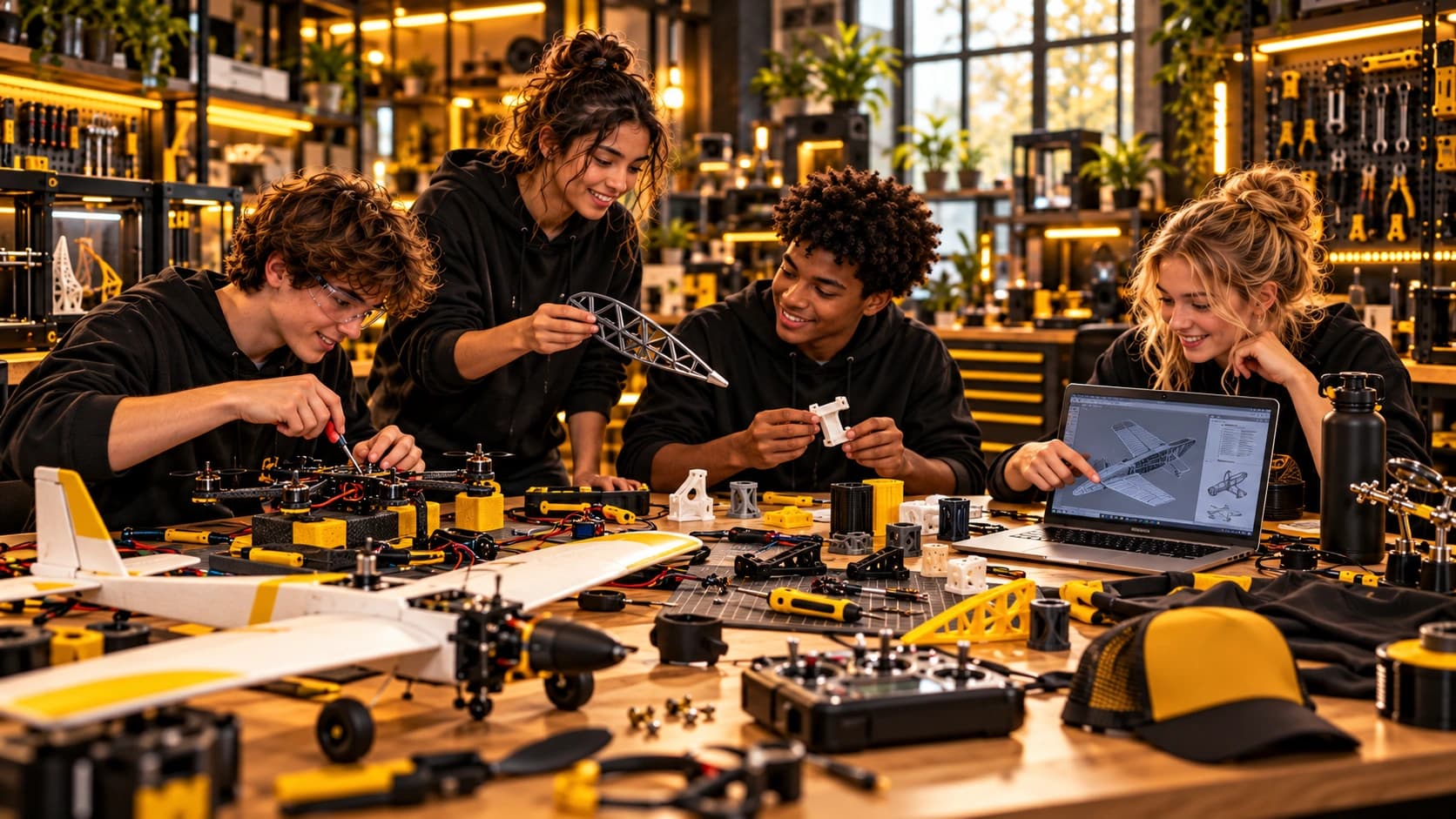
Enrichment is built around exploration and individual growth. Team building is built around a shared challenge where the group has to divide responsibility, communicate across roles and integrate the pieces into one result.
Hands-on project families that let younger learners explore engineering, electronics, fabrication, design, controls, branding and finish without forcing everyone down the same specialty.
Explore youth enrichment →Practical sessions for adults who want to actually use modern tools: AI, home labs, Docker, self-hosting, fabrication, electronics, repair and automation.
Explore adult enrichment →Corporate events and organization challenges where everyone starts with one shared problem, chooses a role, builds in parallel and succeeds only when the pieces work together.
Explore team building →The build gives everyone a common starting point. The struggle reveals what each person wants to understand, improve or own.
Start with something worth making. Explore references, sketch possibilities, compare approaches and decide what the finished result should become.
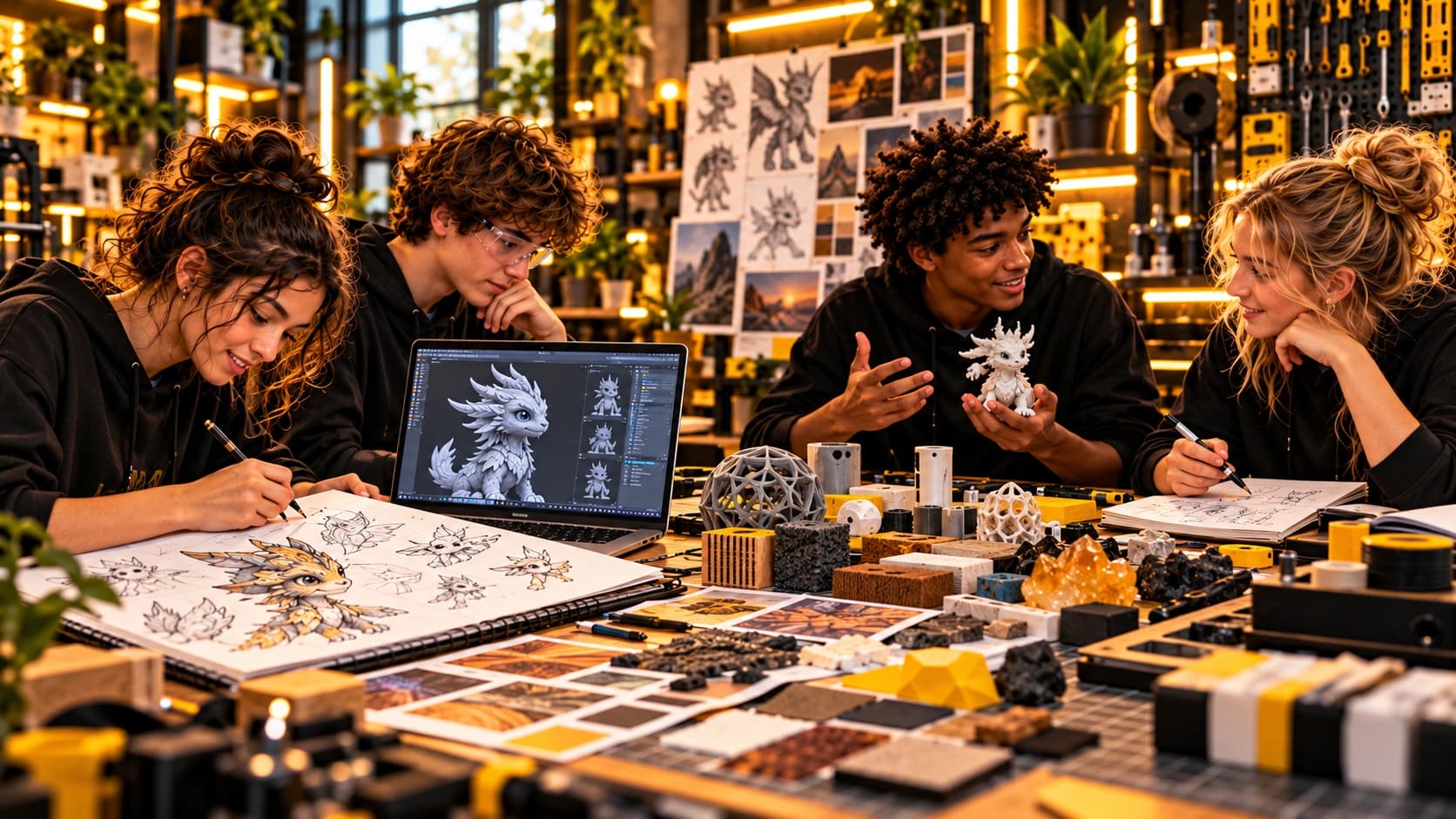
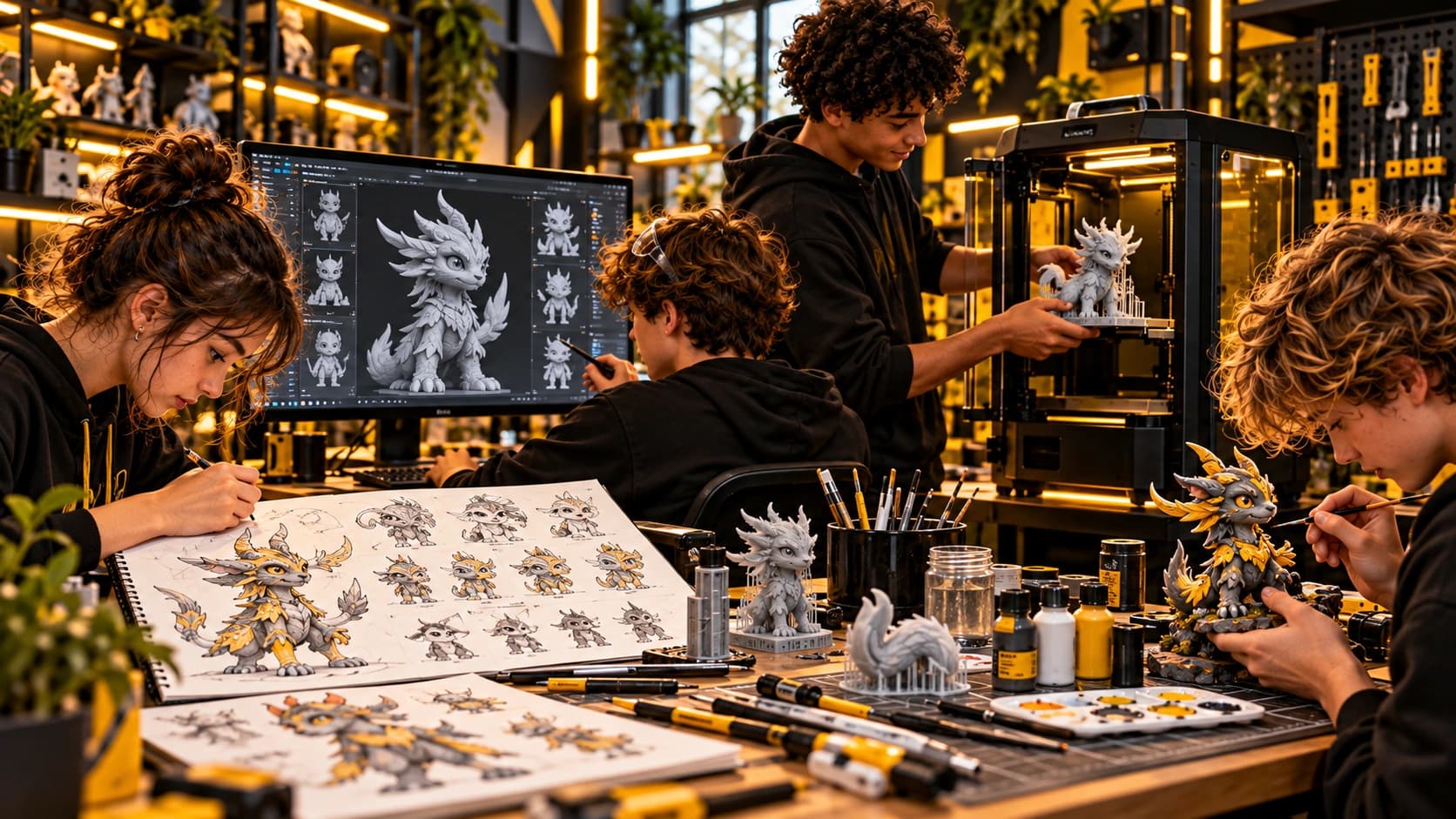
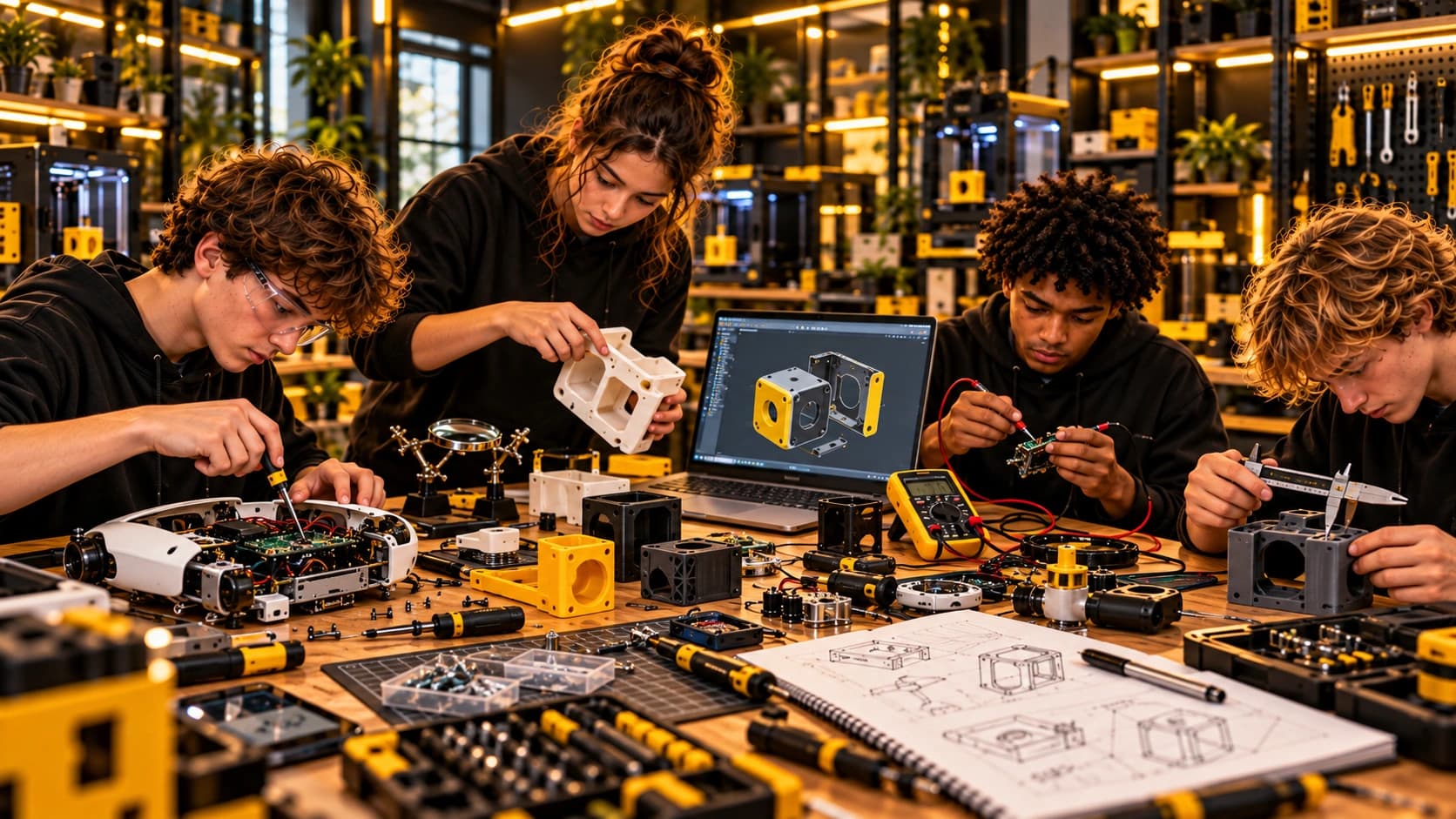
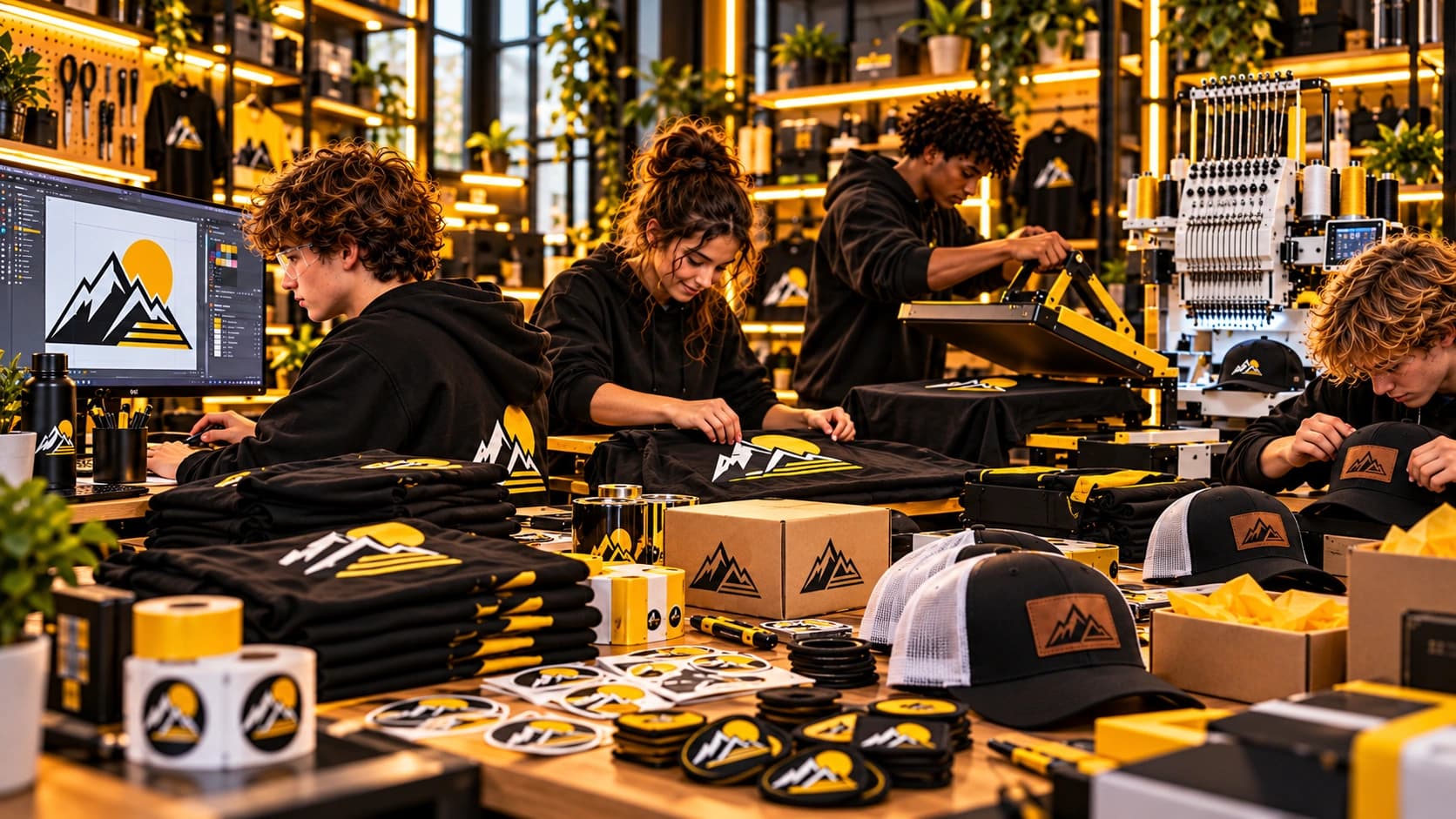
Younger learners begin with a common build, then branch toward the parts they care about most. One learner may keep pushing the electronics while another owns the graphics, fabrication, controls or final presentation.
Each build family starts with a tangible result, then opens into technical and creative specialties. The project stays shared while the direction becomes increasingly individual.
 01
01Explore signal, sound, power and fabrication by following one build from speaker to amplifier, radio and instrument.
 02
02Explore aerodynamics, structure, propulsion, radio control and automation by pushing one aircraft through increasingly capable versions.
 03
03Explore how an idea becomes a usable object through CAD, prototyping, fit testing, revision and final finish.
 04
04Explore motion, mechanisms, sensors and control systems by making something move, react and improve.
 05
05Explore identity, graphics, production and presentation by taking a visual system from screen to real merchandise.
 06
06Explore character design, digital sculpting, 3D printing and hand finishing until an idea becomes a physical object worth presenting.
A complete first build with a clear take-home result and a fast introduction to real tools.
Shared challenge, skill exploration, troubleshooting and at least one meaningful upgrade path.
Multiple systems, specialization, iteration, documentation and a finished team challenge.
Adult enrichment is for people who want to understand the tools they keep hearing about, build confidence using them and leave with something practical they can keep exploring at home.
Use AI for research, writing, analysis, planning, image work and everyday workflows while understanding where it fails.
Explore what a home server can actually do: storage, services, networking, backups, remote access and private tools.
Containers without the mystique — images, volumes, networking, Compose and how to run useful services safely.
Move from idea to CAD to printed part, then explore fit, iteration, finishing and practical household uses.
Read a circuit, use a meter, understand power, inspect hardware and approach repair methodically.
Connect sensors, software and services into useful automations instead of disconnected gadgets.
Start with the machine you already have. Explore Linux basics, storage, networking and Docker, then stand up useful services with Compose. From there, branch into backups, remote access, media, automation, private AI tools or self-hosted apps.
The goal is not to make every participant do the same job. The goal is to give the team one problem that requires different strengths to come together.
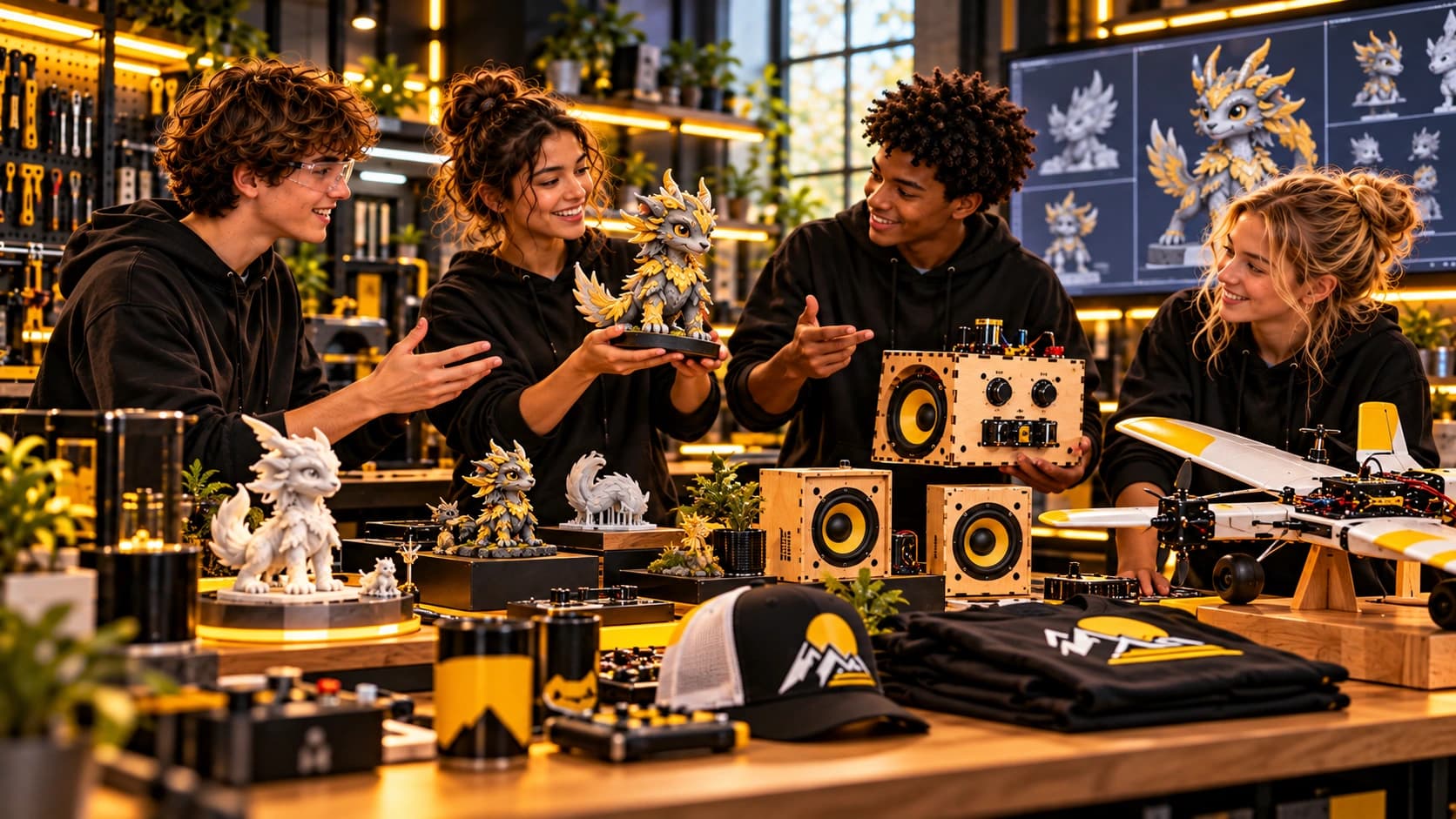
Everyone begins with the same objective, constraints, materials and finish line.
People gravitate toward planning, fabrication, electronics, controls, testing, design or presentation.
Small groups own different pieces of the problem and have to communicate across specialties.
The individual pieces only matter if they work together as one finished system.
The team encounters real failure, diagnoses it under time pressure and decides what to change.
Teams demonstrate the result, explain tradeoffs and show how different strengths contributed.
A high-energy shared challenge for departments, leadership groups or cross-functional teams.
Multiple teams solve the same problem with different strategies, then test against the same criteria.
A tailored build around communication, role ownership, iteration or a technical theme relevant to the group.
A strong team does not need five copies of the same person. It needs people who can own different parts of the problem and still integrate the result.
These are not separate silos. They are different ways into the same real project — and different opportunities for a learner or teammate to take ownership.
Mechanics, structures, forces, performance and the reasons a build works.
Circuits, soldering, power, sensors, radios, amplifiers and diagnostics.
CAD, 3D printing, laser cutting, hand tools, materials, fit and finish.
Illustration, color, graphics, form, usability, character and visual communication.
Microcontrollers, RC, embedded control, software, telemetry and automation.
Logos, merch, packaging, paint, embroidery, decals, photography and presentation.
The content can change while the experience stays consistent: start with something tangible, explore how it works, hit a real problem, improve it and share the result.
Build useful circuits and explore how to diagnose what happens when they do not work.
Design something you can wear, personalize and actually use.
Open the box, figure out how it works, document it, then change it.
Start with something broken or limited and make it useful again.
Build the physical controls, enclosure and software for an interactive game.
Use AI as a tool for research, design and production — without pretending it is always right.
Joseph Feinstein founded StruggleBus Solutions around a simple frustration with how technical exploration is often presented: too much separation between disciplines, too much emphasis on getting the right answer the first time, and too little time actually making something.
His own work crosses fabrication, electronics, CAD and 3D printing, RC and flight systems, automation, AI, reverse engineering, repair, branding and creative production. That range shapes the StruggleBus approach. A speaker is not just an electronics project; it can become a fabrication problem, an acoustics problem, a design problem, a branding problem or the first step toward radios, instruments and signal processing.
Joseph builds experiences around the way real projects behave: the mechanical part affects the electrical part, appearance affects usability, software affects hardware, and the final result usually depends on people with different strengths communicating with each other.
The goal is not for every learner to become an expert in everything. It is to give people enough exposure to discover the part they care about, enough responsibility to own it, and enough connection to the full project to understand why everyone else's contribution matters too.
That same philosophy carries into adult enrichment and team building. Whether someone is exploring AI, standing up a Docker home lab, repairing electronics, finishing a 3D printed character or solving a corporate build challenge, the experience starts with a real objective and leaves room for curiosity, iteration and individual strengths.
Interested in youth enrichment, adult enrichment, a corporate team-building event, an organization challenge or a specific build lab?